Trombinoscope
Poster dans le trombinoscope
Comment poster dans le trombinoscope ?
- La taille et le poids de l'image est le même que pour poster dans les rubriques du forum
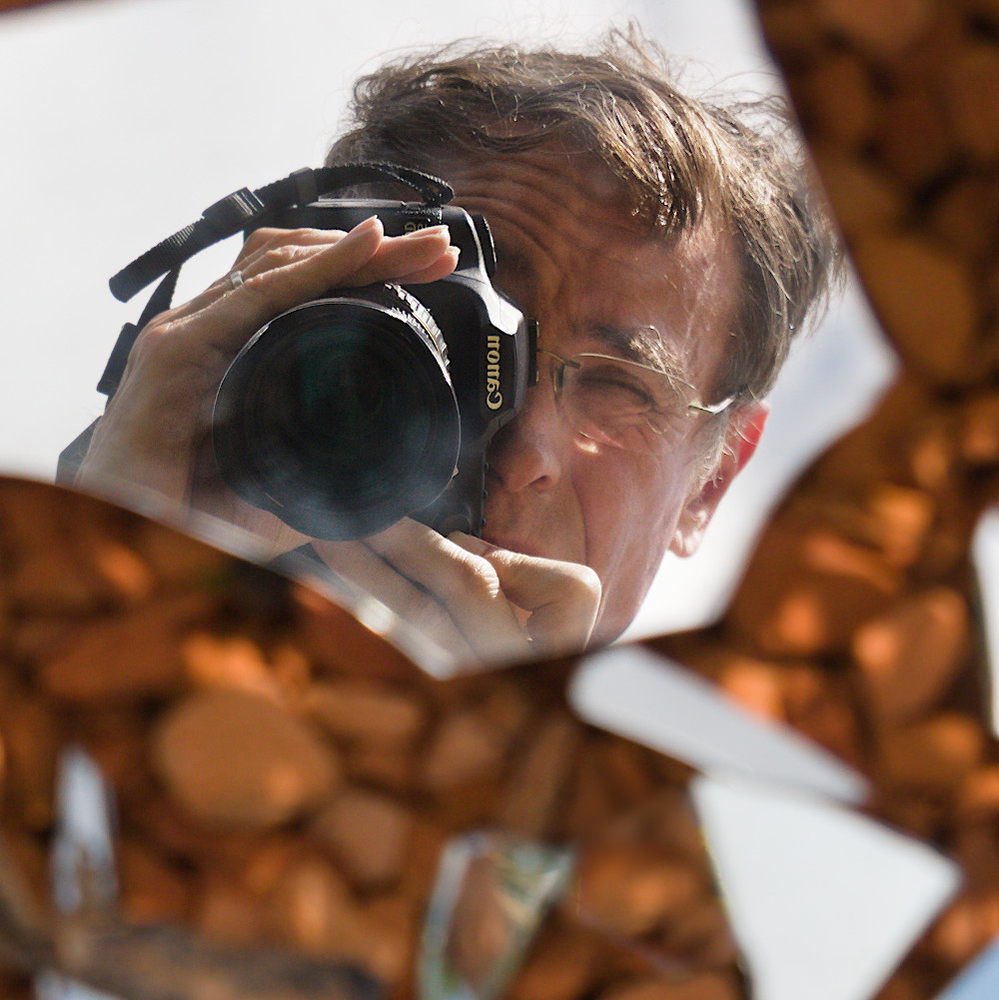
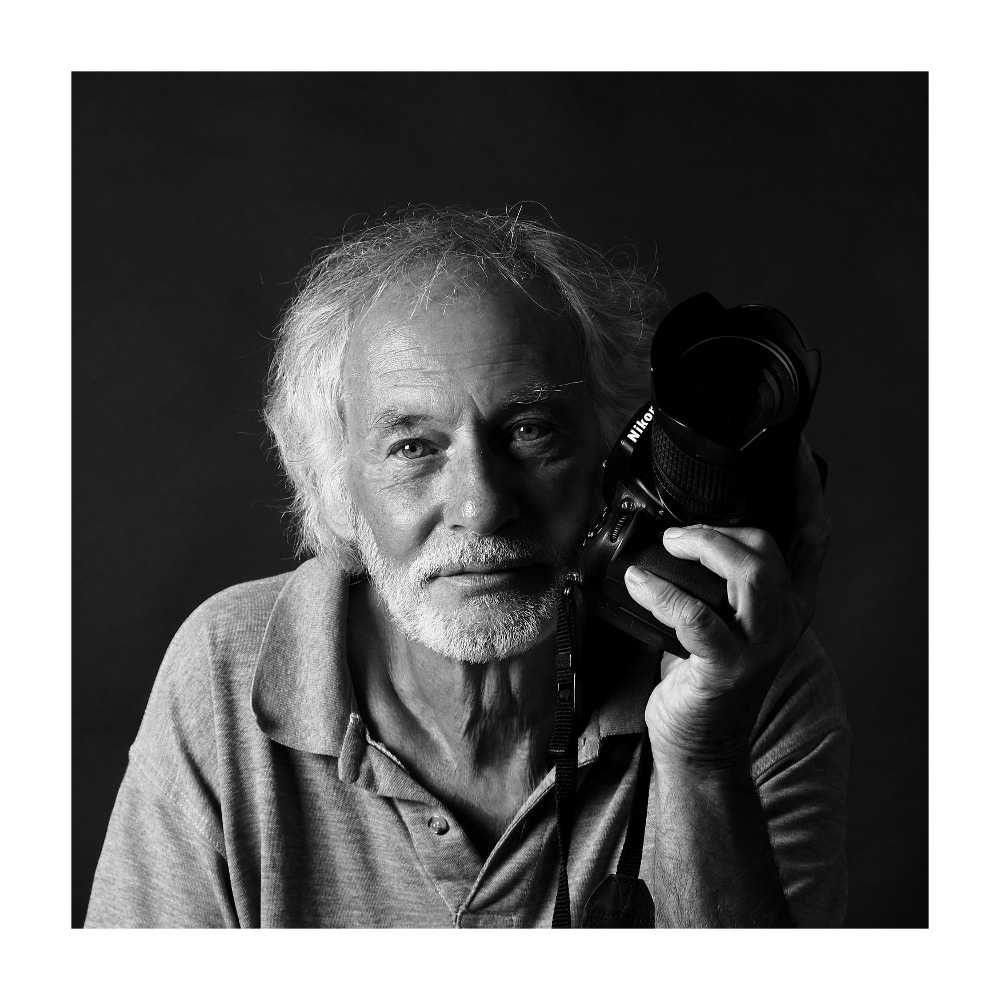
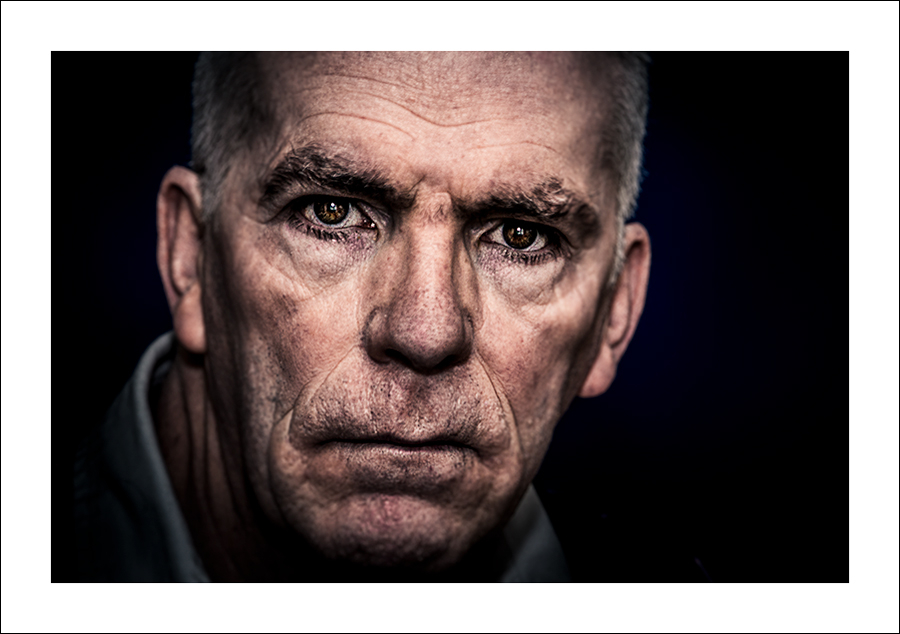
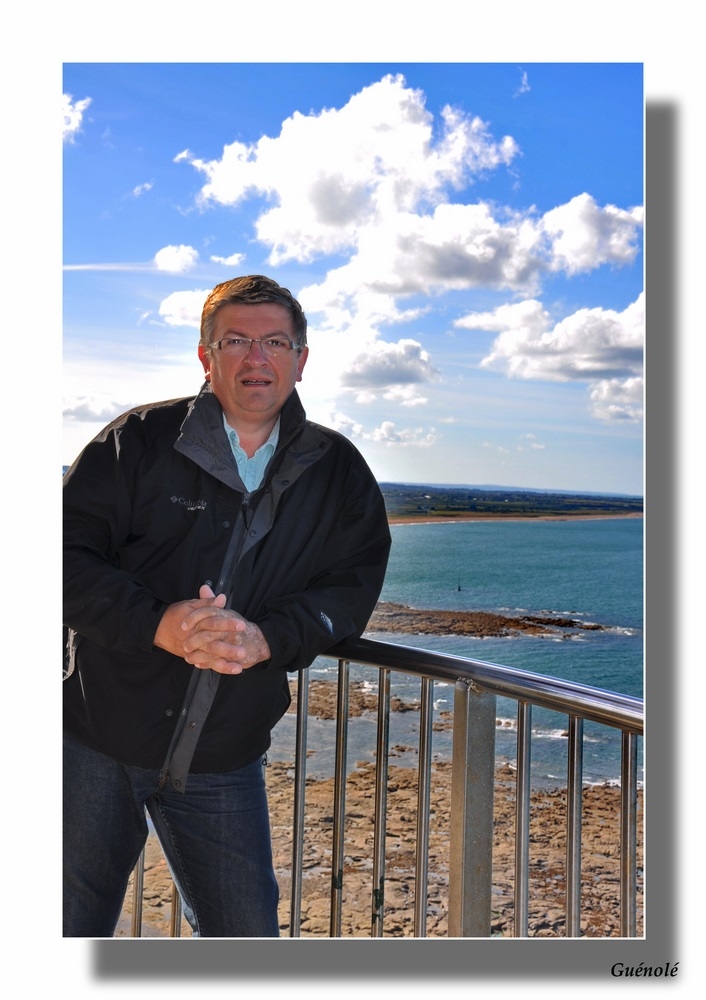
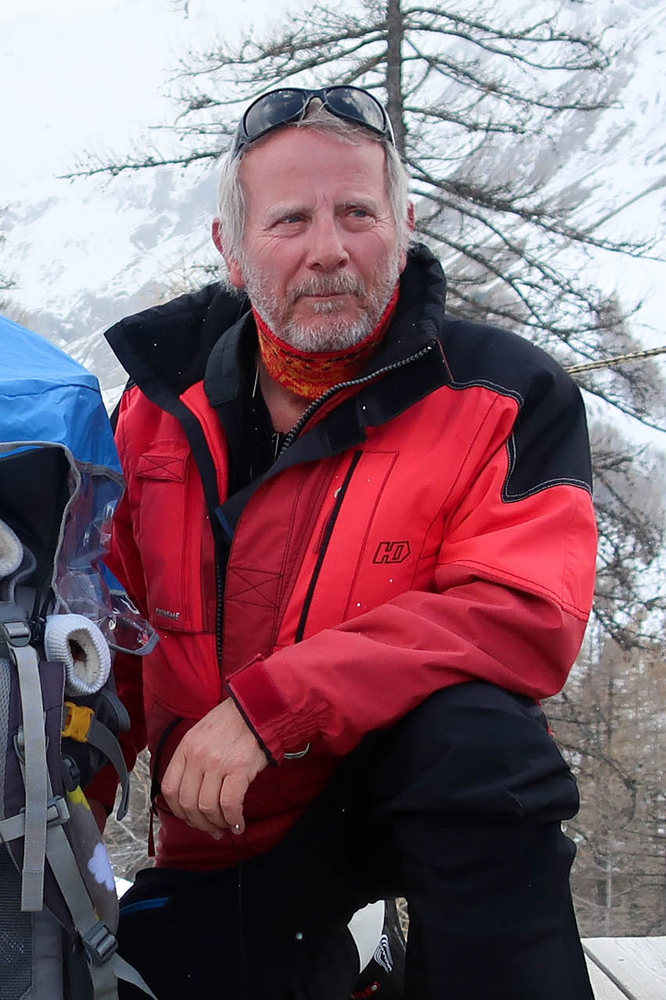
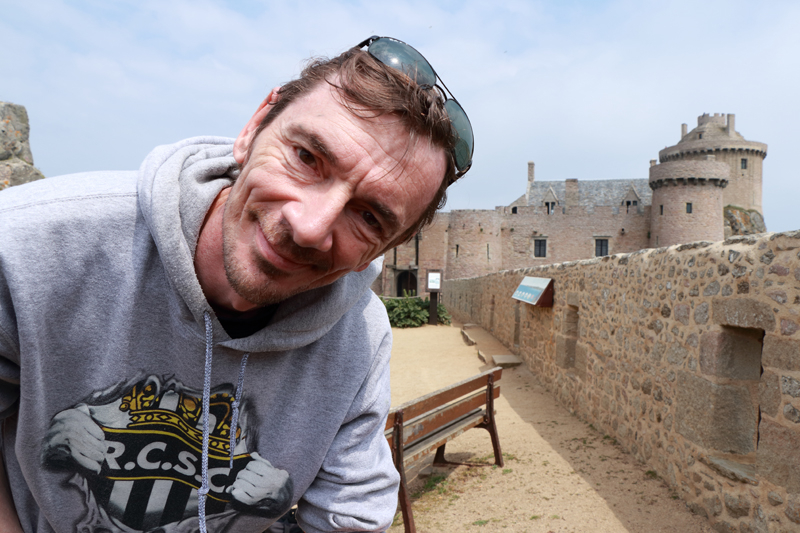
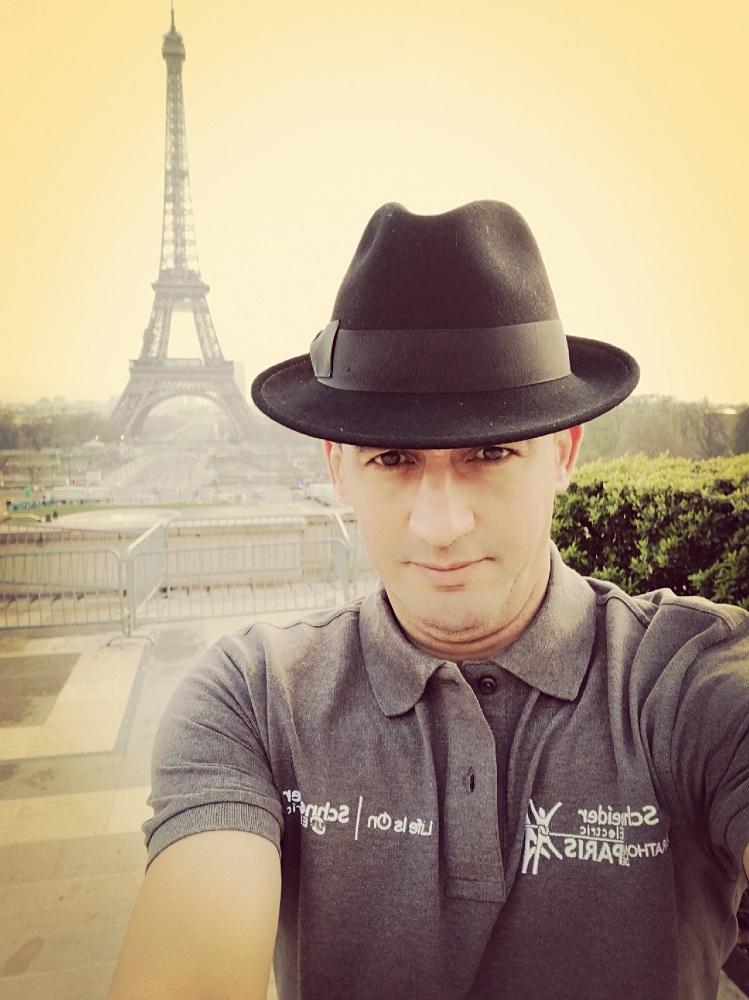
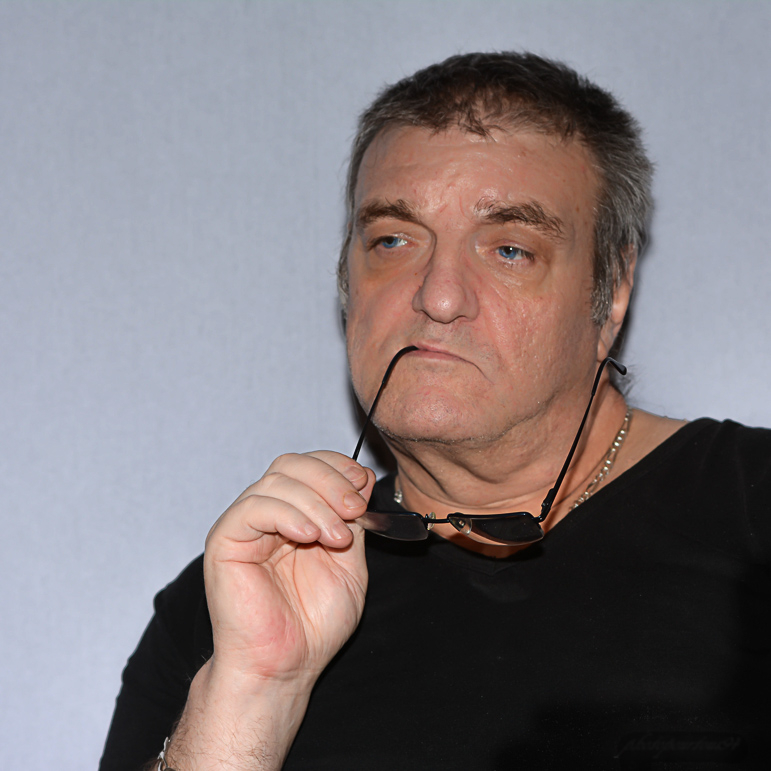
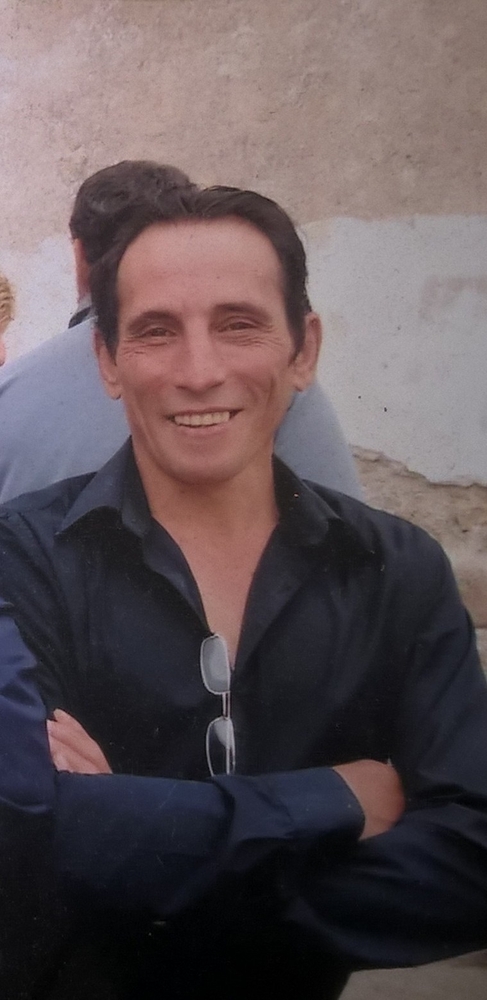
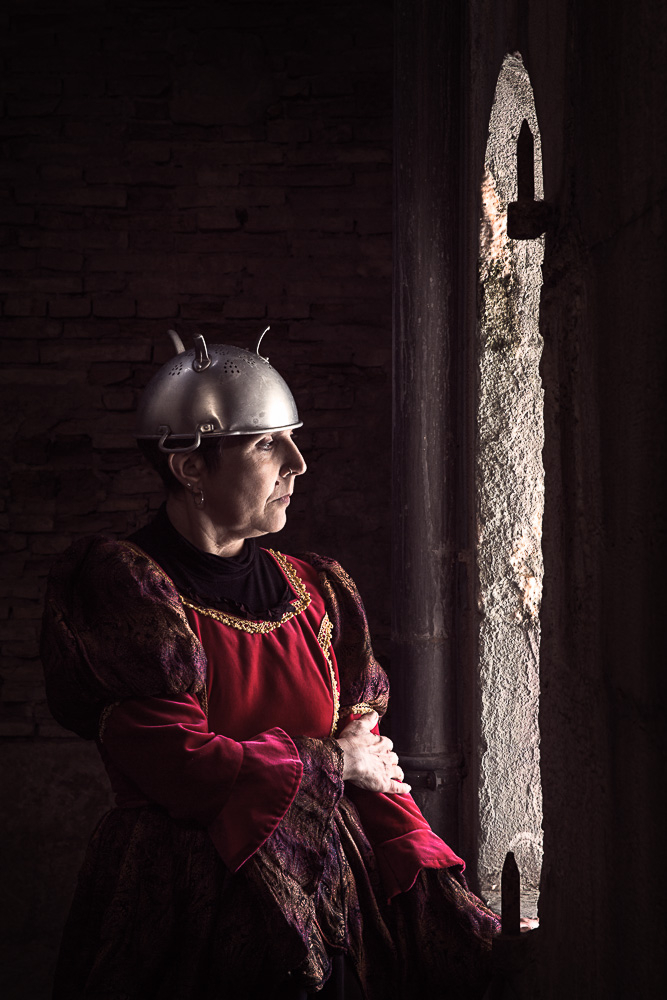
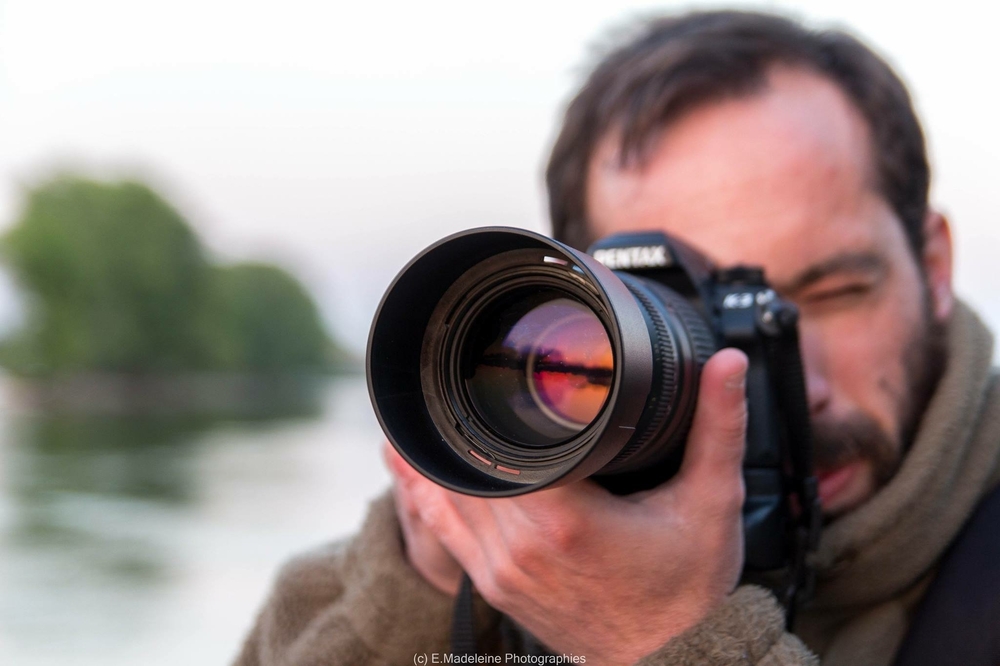
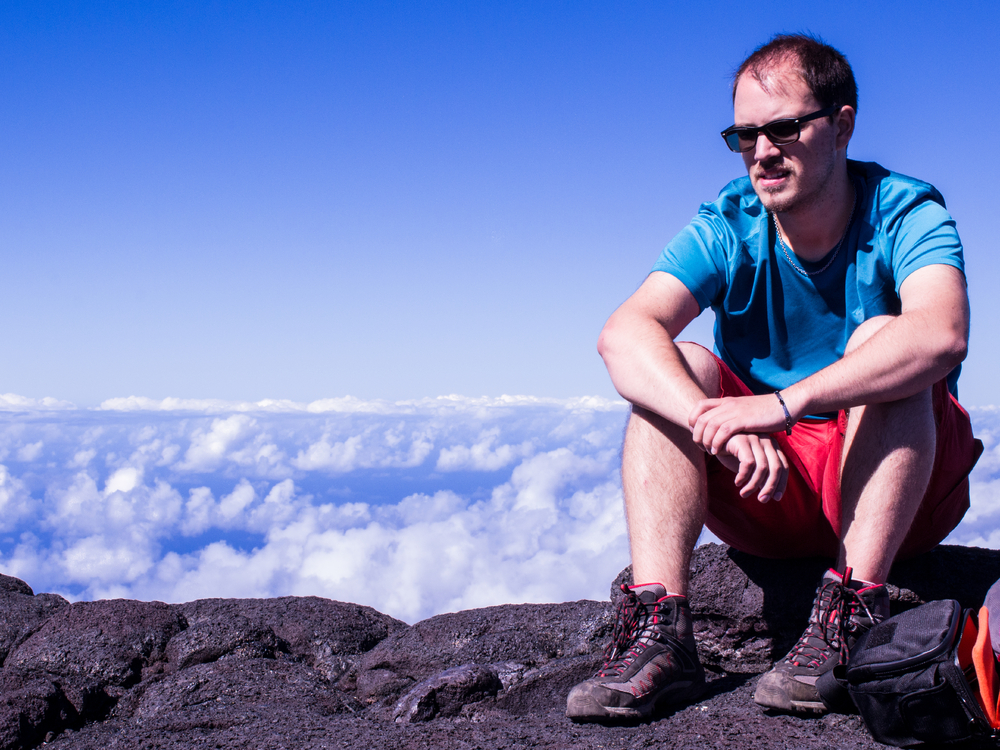
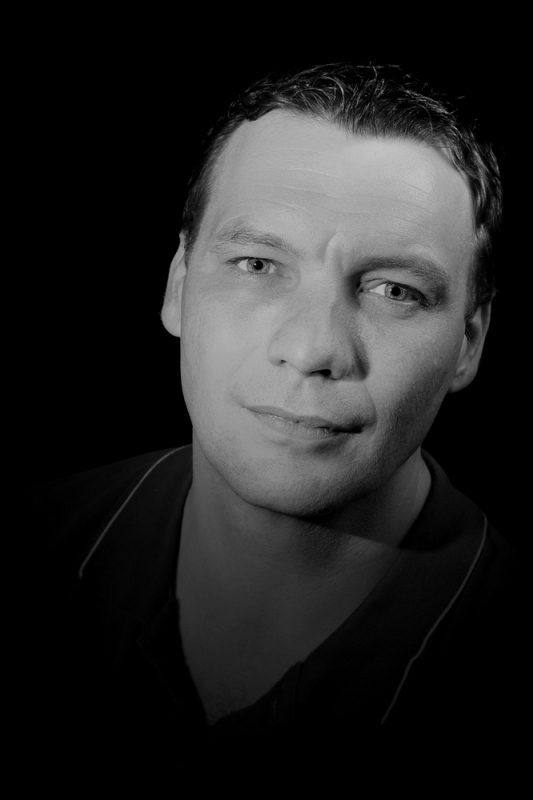
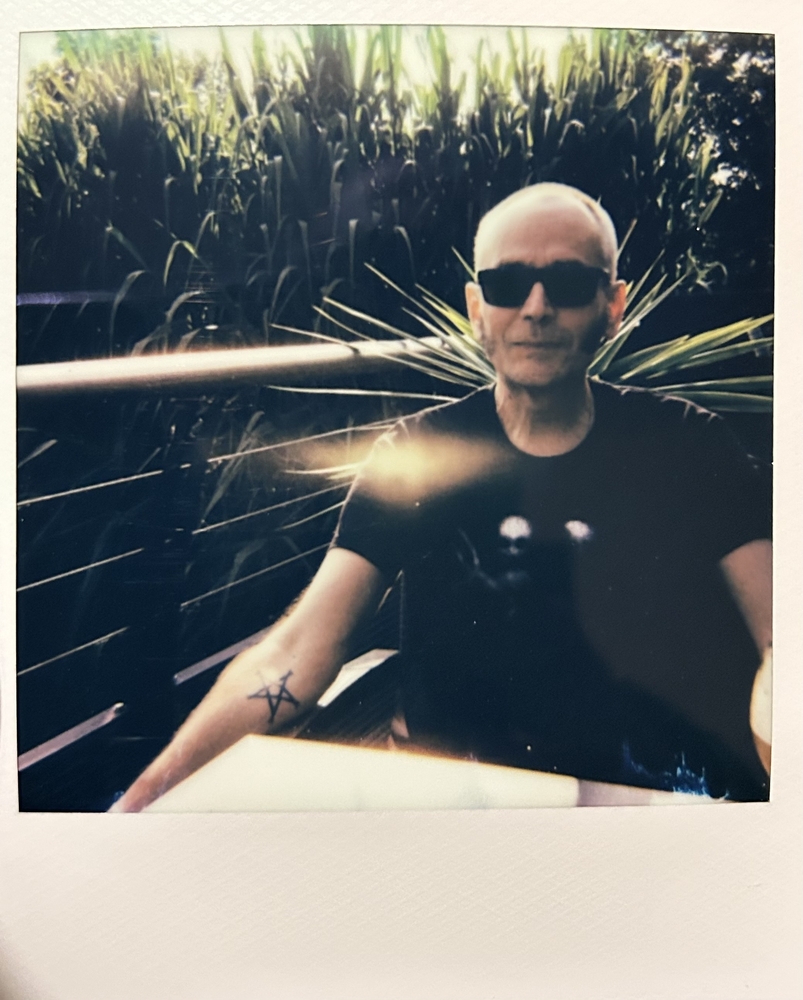
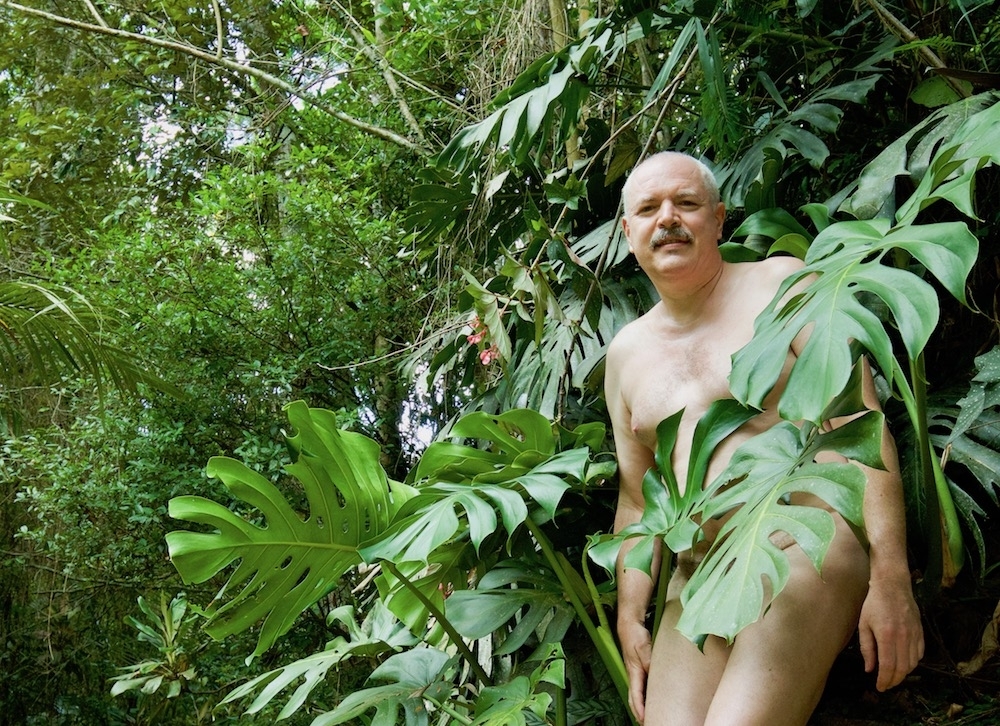
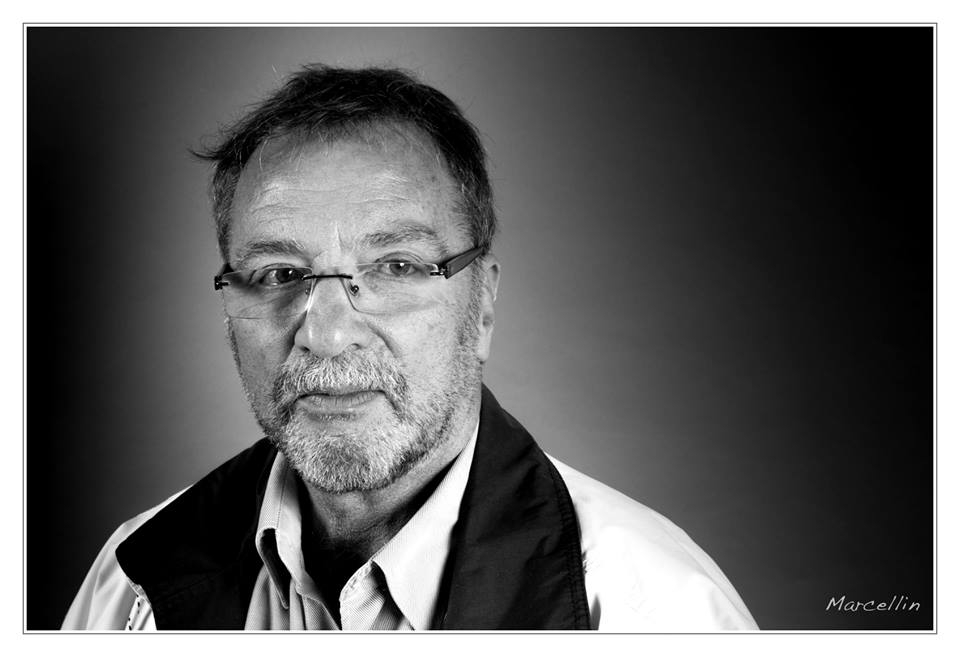
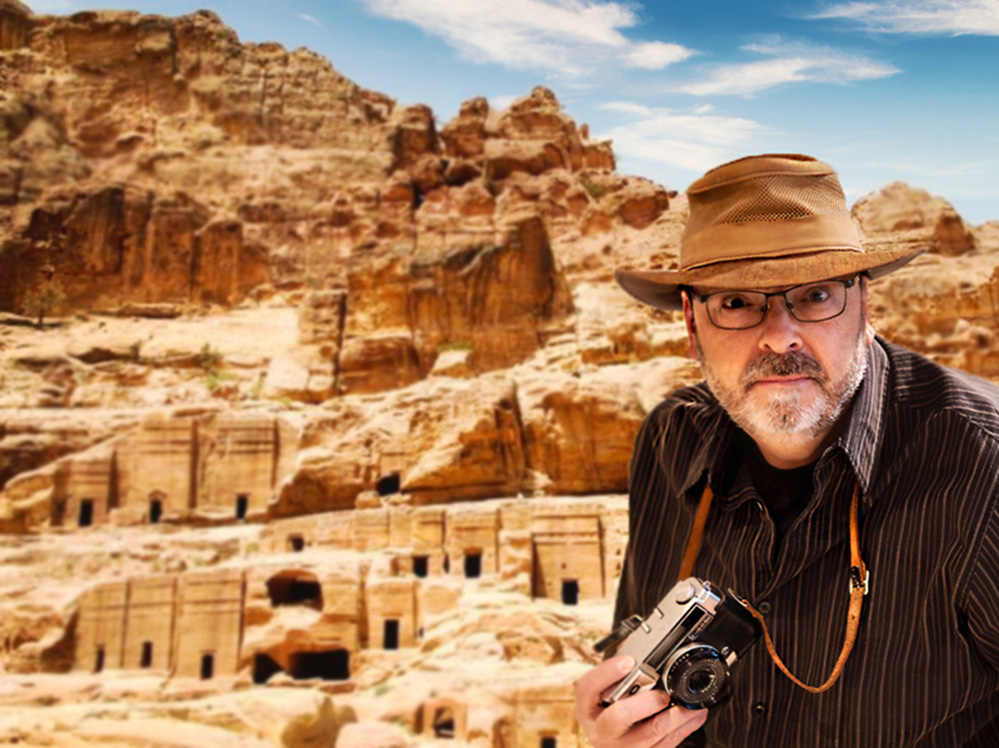
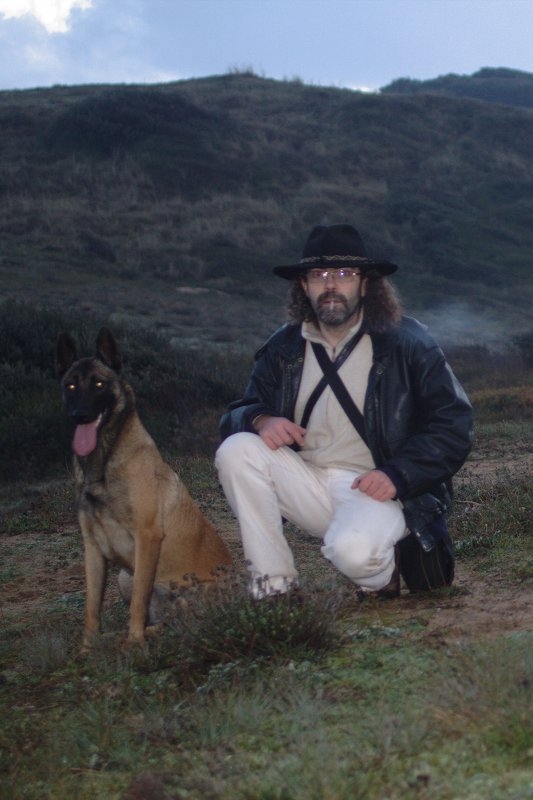
- L'image doit obligatoirement vous représenter
- Le titre de l'image doit être votre pseudo
- Chaque image injectée dans le trombinoscope sera approuvée ou refusée par le Staff avant d'être publiée
Le Staff
40 images
-
Par dadoudenice
-
Par GhexAger
-
Par Svn47
-
Par Nikita
-
Par Contrabajo
-
Par da59
-
Par Li94
-
Par Dagui · 2 commentaires
-
Par DaveStarWalker
-
Par Thibthib
-
Par nameless
-
Par yvesphotos
-
Par Bib
-
Par Nazca
-
Par Valentin-Charles · 3 commentaires
-
Par invite36 · 3 commentaires
-
Par DidierLille · 2 commentaires
-
Par valeriepoteau
-
Par Tremblote · 1 commentaire
-
Par invite14
-
Par Andre_33
-
Par mithi
-
Par J-P_L
-
Par Jobnemo · 2 commentaires
-
Par Patrice29950
-
Par Jiheme04
-
Par FredFCHT
-
Par AdrienBenoit
-
Par Chocopope
-
Par kamelus
-
Par Nanne · 2 commentaires
-
Par invite7
-
Par songsofbeluga
-
Par Fjo58
-
Par Gazand · 2 commentaires
-
Par Sogo · 3 commentaires
-
Par GoBois64 · 2 commentaires
-
Par SGP45 · 3 commentaires
-
Par Asan · 2 commentaires
-
Par Krystron · 3 commentaires





.jpg.7f573fe538abe77253638b4bf77558e1.jpg)


.jpg.cc9d438a4c661b6f42511f50fbd23a9c.jpg)
.JPG.31d6ac842c60d1209110b474636d72ff.JPG)