






Aller au contenu
View in the app

A better way to browse. Learn more.

Forumdephotos.com

A full-screen app on your home screen with push notifications, badges and more.

To install this app on iOS and iPadOS
  1. Tap the Share icon in Safari
  2. Scroll the menu and tap Add to Home Screen.
  3. Tap Add in the top-right corner.
To install this app on Android
  1. Tap the 3-dot menu (⋮) in the top-right corner of the browser.
  2. Tap Add to Home screen or Install app.
  3. Confirm by tapping Install.

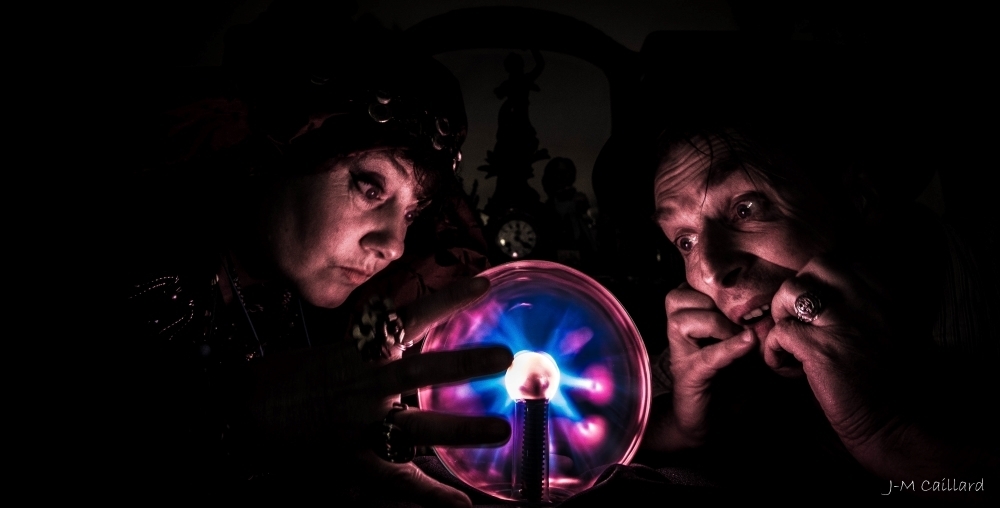
32 les retrouvailles

Bonsoir à tous et bien voilà, le confinement touche à sa fin, cette photo de remerciement clôturera l'album de cette folle aventure et nous tenions à vous remercier de nous avoir suivi. Prenez bien soin de vous, respectez encore les gestes barrières et espérons que nous ne reviendrons pas au point de départ de ces derniers mois. Bonnes continuations et nous referons des photos de temps en temps
  • Account

    Navigation

    Rechercher

    Rechercher

    Configure browser push notifications

    Chrome (Android)
    1. Tap the lock icon next to the address bar.
    2. Tap Permissions → Notifications.
    3. Adjust your preference.
    Chrome (Desktop)
    1. Click the padlock icon in the address bar.
    2. Select Site settings.
    3. Find Notifications and adjust your preference.