Aller au contenu
View in the app

A better way to browse. Learn more.

Forumdephotos.com

A full-screen app on your home screen with push notifications, badges and more.

To install this app on iOS and iPadOS
  1. Tap the Share icon in Safari
  2. Scroll the menu and tap Add to Home Screen.
  3. Tap Add in the top-right corner.
To install this app on Android
  1. Tap the 3-dot menu (⋮) in the top-right corner of the browser.
  2. Tap Add to Home screen or Install app.
  3. Confirm by tapping Install.

Interviews

Retrouvez les interviews des photographes membres du forum photo forumdephotos

76 articles dans cette catégorie

  1. F2P ·
    Pour ce premier jour de l'hiver 2025, je vous propose d'en apprendre un peu plus sur Mirthorn, l'un de nos membres très actif sur le forum photo. Un photographe très convivial et toujours de bonne humeur. Un grand merci à lui pour son implication sur le forum. ................. Bonjour mirthorn. Je te remercie d'avoir accepté cette interview. Peux-tu te présenter à nous et nous expliquer l'origine de ton pseudo ? Bonjour Je commence par mon pseudo : Mirthorn remonte à mon adolescence à l'époque
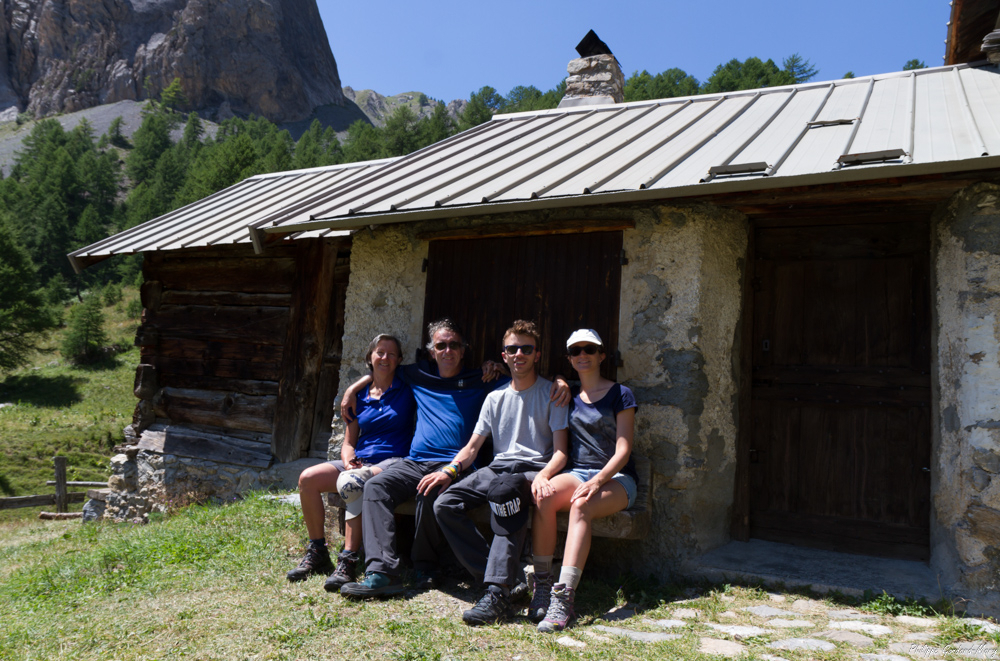
    • 14 commentaires
    • 478 vues

Account

Navigation

Rechercher

Rechercher

Configure browser push notifications

Chrome (Android)
  1. Tap the lock icon next to the address bar.
  2. Tap Permissions → Notifications.
  3. Adjust your preference.
Chrome (Desktop)
  1. Click the padlock icon in the address bar.
  2. Select Site settings.
  3. Find Notifications and adjust your preference.